Pi5 Whisper Voice Assistant
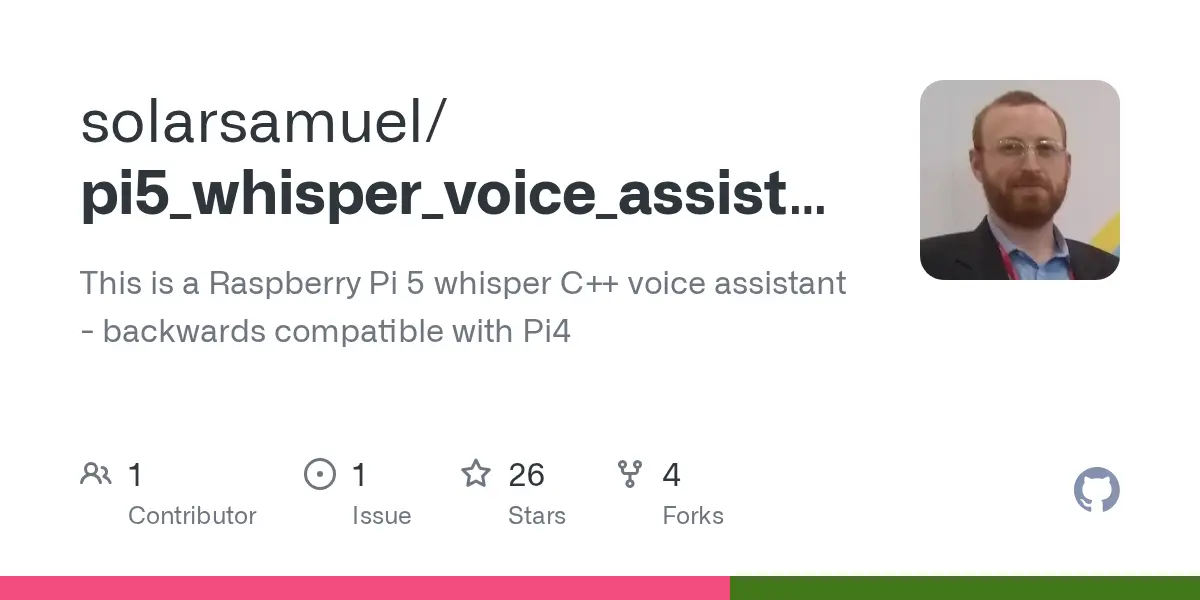
A whisper.cpp voice assistant for the Raspberry Pi 5 (and Pi 4) that switches GPIO pins by voice: say 'green light on' and the green LED lights up.
- Hardware:
- Raspberry Pi 5
- Difficulty:
- Intermediate
- Creator:
- solarsamuel
whisper.cpp voice assistant for the Pi 5.
By solarsamuel
- Posted
What it does
A whisper.cpp voice assistant for the Raspberry Pi 5 (and Pi 4) that switches GPIO pins by voice: say 'green light on' and the green LED lights up.
What you need
- Difficulty
- Intermediate
- License
- No license stated
Parts
- Raspberry Pi 5 [not stated]
- AI model or service
- whisper.cpp
Prices, notes and sources: Parts and requirements
Parts and requirements
| Part | Spec / notes | Needed | Price |
|---|---|---|---|
| Raspberry Pi 5 | Not stated |
Steps
- Difficulty
- Intermediate
git clone https://github.com/ggerganov/whisper.cpp- Install libraries:
sudo apt-get install libgpiod2 libgpiod-dev,sudo apt install gpiod,sudo apt install libsdl2-dev. - In the whisper.cpp directory open up the Makefile and add
-lgpiodto the end of the line starting withCC_SDL. - Download tiny.en with
./models/download-ggml-model.sh tiny.en. - Compile the stream program with
make -j stream. - Run
./stream -m models/ggml-tiny.en.bin --step 4000 --length 8000 -c 0 -t 4 -ac 512.
Full instructions: View original
How it works
The whisper.cpp `stream` example is compiled with libgpiod and listens continuously. Recognised phrases set GPIO 24 or 25 high, and you can add your own phrases or drive a relay HAT for motors and buzzers. The Pi 4 should use the tiny.en model; the Pi 5 handles up to small.en.
Limits and caveats
- Pi 5 can go up to the small.en.bin model.
- Add `-lgpiod` to the end of the `CC_SDL` line; otherwise you'll get a linking error.
Like this build? Get the weekly builds
Every Thursday: the 5 best gadget hacks you can copy. Free.
Built something? Submit a build
Hardware
- Raspberry Pi 5
This page is a short summary written by HardwareLab. Build steps, code and photos belong to the creator; follow “View original” for the full project.
Featured? Add this badge
Built this? Paste the badge into your README. It links back to this page.

Markdown
[](https://hardwarelab.dev/projects/pi5-whisper-voice-assistant/?utm_source=badge&utm_medium=referral&utm_campaign=launch_2w)HTML
<a href="https://hardwarelab.dev/projects/pi5-whisper-voice-assistant/?utm_source=badge&utm_medium=referral&utm_campaign=launch_2w"><img src="https://hardwarelab.dev/badge.svg" alt="Featured on HardwareLab" width="188" height="20"></a>Related builds
All 44 in Voice Assistants & Companions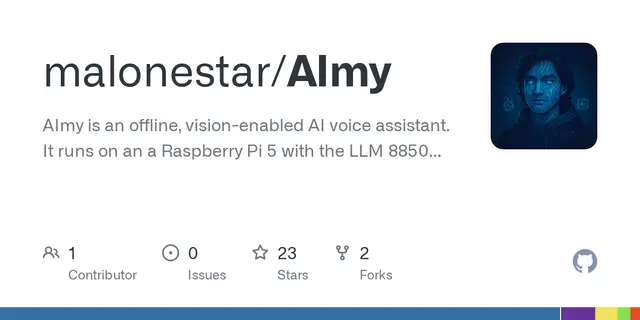
AImy
Offline vision-enabled voice assistant on a Pi 5 with an LLM accelerator.
- Raspberry Pi 5
- LLM-8850 accelerator
- camera
Advanced23

Trusty
A Pi 5 voice assistant whose conversations never leave the room.
- Raspberry Pi 5
- mic
- speaker
Intermediate13
Real-life BMO
An Adventure Time BMO on a Raspberry Pi 5 that sees and talks.
- Raspberry Pi 5
- camera
- display
- +1 more
Intermediate33
TrooperAI
Low-latency local voice assistant with LEDs and gestures.
- Raspberry Pi 5
- LEDs
- gesture sensor
Intermediate32
Sources
- github.com/solarsamuel/pi5_whisper_voice_assistant/blob/5c0f9d3d9ef20f61b121e99a31c8afd9c3dc7e72/README.md#L2-L2
- github.com/solarsamuel/pi5_whisper_voice_assistant/blob/5c0f9d3d9ef20f61b121e99a31c8afd9c3dc7e72/README.md
- github.com/solarsamuel/pi5_whisper_voice_assistant/blob/5c0f9d3d9ef20f61b121e99a31c8afd9c3dc7e72/README.md#L25-L25
- github.com/solarsamuel/pi5_whisper_voice_assistant/blob/5c0f9d3d9ef20f61b121e99a31c8afd9c3dc7e72/README.md#L14-L15