iPhone-teleoperated robot arm
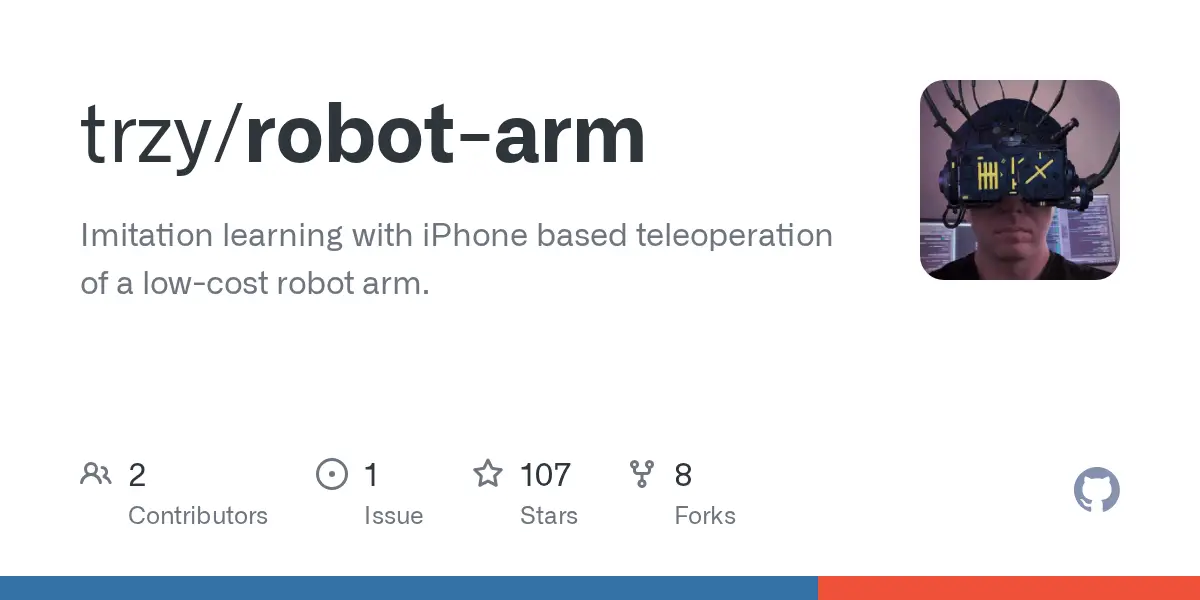
Imitation learning with iPhone-based teleoperation of a low-cost robot arm.
- Hardware:
- low-cost arm, iPhone
- Difficulty:
- Advanced
- Creator:
- trzy
Teach a cheap arm by moving your iPhone.
By trzy
What it does
Imitation learning with iPhone-based teleoperation of a low-cost robot arm.
What you need
- Difficulty
- Advanced
- License
- No license stated
Parts
- low-cost arm, iPhone
- AI model or service
- imitation learning policy
Steps
- Difficulty
- Advanced
- To discover the serial port on which the robot is connected, run python -m server --list-serial-ports.
- To run the robot server, specify the serial port the robot is connected to: python -m server --serial-port=*usb*.
- To record episodes to the cube directory using camera 1: python -m server --serial-port=*usb* --camera=1 --record-to=cube.
- To train a model on episodes stored in cube: python -m act --train --dataset-dir=cube --checkpoint-dir=cube/checkpoints.
- First, launch the inference server: python -m act --infer --checkpoint-file=cube/checkpoints/policy_best.ckpt.
- Next, run the robot server in inference mode: python -m server --serial-port=COM4 --infer.
Full instructions: View original
How it works
The phone's pose drives the arm while you collect demos that train a policy.
Limits and caveats
- Once a few dozen episodes have been collected, a policy can be trained.
- Make sure to specify the same cameras; if the data was collected using two cameras, --camera=0,1.
- The default camera is camera 0; you will need to experiment to figure out which is which on your system.
Like this build? Get the weekly builds
Every Thursday: the 5 best gadget hacks you can copy. Free.
Built something? Submit a build
Hardware
- low-cost arm
- iPhone
This page is a short summary written by HardwareLab. Build steps, code and photos belong to the creator; follow “View original” for the full project.
Featured? Add this badge
Built this? Paste the badge into your README. It links back to this page.

Markdown
[](https://hardwarelab.dev/projects/iphone-teleop-arm/?utm_source=badge&utm_medium=referral&utm_campaign=launch_2w)HTML
<a href="https://hardwarelab.dev/projects/iphone-teleop-arm/?utm_source=badge&utm_medium=referral&utm_campaign=launch_2w"><img src="https://hardwarelab.dev/badge.svg" alt="Featured on HardwareLab" width="188" height="20"></a>Related builds
All 8 in Robot Arms & Home Robot Learning
LeRobot
Hugging Face’s PyTorch library of models, datasets and tools for real-world robots, from low-cost SO-100 arms to humanoids.
- SO-100 / SO-101 arms and the other supported robots
Intermediate28.8KFroggy: Codex trains my SO-100
Went for a 10K run and left Codex in charge of the robot.
- SO-100 arm
- cameras
AdvancedGenZ robot arm with trust issues
A roasting robot arm that asks 'which one?' when it's unsure.
- robot arm
- camera
- mic
AdvancedGEM: Good Enough Manipulator
A low-cost 7-DOF arm that's good enough for real research.
- 3D-printed parts
- head + wrist cameras
- leader arm
Advanced
Voice-controlled 6-DOF arm (Pi 5)
Tell the arm what to grab; YOLOv8 finds it.
- Raspberry Pi 5
- 6-DOF servo arm
- camera
Intermediate16


Sources
- github.com/trzy/robot-arm/blob/3c099ce24bc23e7553261d63b5f04499449c3a0b/README.md
- github.com/trzy/robot-arm/blob/3c099ce24bc23e7553261d63b5f04499449c3a0b/README.md#L90-L90
- github.com/trzy/robot-arm/blob/3c099ce24bc23e7553261d63b5f04499449c3a0b/README.md#L124-L128
- github.com/trzy/robot-arm/blob/3c099ce24bc23e7553261d63b5f04499449c3a0b/README.md#L52-L52