Omi
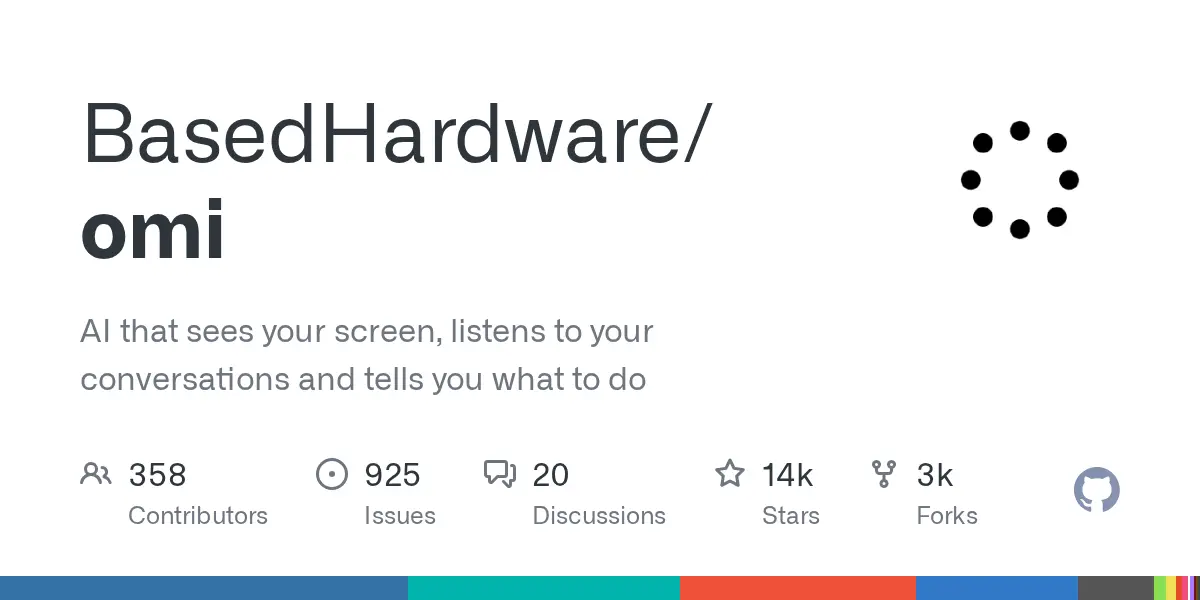
Omi captures your screen and conversations, transcribes in real time, generates summaries and action items, and gives you an AI chat that remembers what you’ve seen and heard.
- Hardware:
- Omi wearable, Seeed Studio XIAO nRF52840 Sense, mic, battery
- Difficulty:
- Intermediate
- Creator:
- BasedHardware
AI wearable and apps that transcribe and summarize your conversations
What it does
Omi captures your screen and conversations, transcribes in real time, generates summaries and action items, and gives you an AI chat that remembers what you’ve seen and heard. It works on desktop, phone and wearables, and the firmware, apps and backend are open source under MIT.
- Captures your screen and conversations, transcribes in real time, generates summaries and action items, with an AI chat that remembers what you’ve seen and heard.
- Open-source AI wearables pair with the mobile app for 24h+ continuous capture.
- Firmware is nRF on Zephyr in C; Omi Glass runs on an ESP32-S3; the mobile app is Flutter for iOS and Android; the backend is Python with FastAPI and Firebase.
- Developer pieces include a REST API, device SDKs for Python, Swift and React Native, and an MCP server.
What you need
- Skill level
- Intermediate
- License
- No license stated
Parts
- Seeed Studio XIAO nRF52840 Sense
- Rechargeable LiPo battery
- Slider switch (SS12D00-G3, 3mm)
- Thin wires
- 3D-printed case
- AI model or service
- Deepgram speech-to-text, LLMs
Prices, notes and sources: Parts and requirements
Parts and requirements
| Part | Spec / notes | Needed | Price |
|---|---|---|---|
| Seeed Studio XIAO nRF52840 Sense | Bluetooth LE board with a built-in microphone | Required | |
| Rechargeable LiPo battery | Required | ||
| Slider switch | SS12D00-G3, 3mm | Required | |
| Thin wires | Required | ||
| 3D-printed case | STL files are in the repository | Required |
- Computer for setup: macOS 14+ with Xcode and Node.js for the macOS app quick start
Steps
- Skill level
- Intermediate
- git clone the repo, cd omi/desktop/macos and run ./run.sh --yolo
- For a local backend, copy backend/.env.example to backend/.env and run ./run.sh
Full instructions: View original
How it works
The README’s diagram links the Omi Wearable (BLE), the macOS app (HTTPS/WS) and the mobile app to the Omi Backend (Python), which uses Deepgram (STT), Firestore, Redis and LLMs.
| Layer | Component | Runs on |
|---|---|---|
| Firmware | Omi wearable firmware (nRF, Zephyr, C) | Omi Wearable |
| App | Mobile app (Flutter) | iOS and Android |
| Desktop | macOS app (Swift, SwiftUI, Python desktop backend) | macOS |
| Backend | Backend API (Python, FastAPI, Firebase) | Omi Backend (Python) |
Setup effort
- Skill level
- Intermediate
The macOS quick start is one command against the cloud backend; running your own backend is a separate full installation.
Limits and caveats
- The quick start connects to Omi’s cloud backend, with no local backend.
- The backend diagram uses Deepgram for speech-to-text and GPU services for VAD and diarization.
Like this build? Get the weekly builds
Every Thursday: the 5 best gadget hacks you can copy. Free.
Built something? Submit a build
Use-case ideas
- Build apps on Omi, such as the GitHub, Slack and OmiMentor examples, audio streaming apps or custom chat tools.
Why it's interesting
Omi is a full open-source stack, and the repository shows all of it. The firmware for the wearable is nRF on Zephyr in C, Omi Glass runs on an ESP32-S3, the mobile app is Flutter for iOS and Android, the backend is Python with FastAPI and Firebase, and there is a native macOS app in Swift. It captures your screen and conversations, transcribes them in real time, writes summaries and action items, and offers a chat that remembers what you saw and heard. Developers get a REST API, an MCP server and device SDKs for Python, Swift and React Native, with a shared BLE protocol. The quick start builds the macOS app against the cloud backend with no credentials; running your own backend is a separate setup.
Hardware
- Omi wearable
- Seeed Studio XIAO nRF52840 Sense
- mic
- battery
Credits and links
- Based Hardware: Creator
This page is a short summary written by HardwareLab. Build steps, code and photos belong to the creator; follow “View original” for the full project.
Featured? Add this badge
Built this? Paste the badge into your README. It links back to this page.

Markdown
[](https://hardwarelab.dev/projects/omi/?utm_source=badge&utm_medium=referral&utm_campaign=launch_2w)HTML
<a href="https://hardwarelab.dev/projects/omi/?utm_source=badge&utm_medium=referral&utm_campaign=launch_2w"><img src="https://hardwarelab.dev/badge.svg" alt="Featured on HardwareLab" width="188" height="20"></a>Related builds
All 6 in Wearables
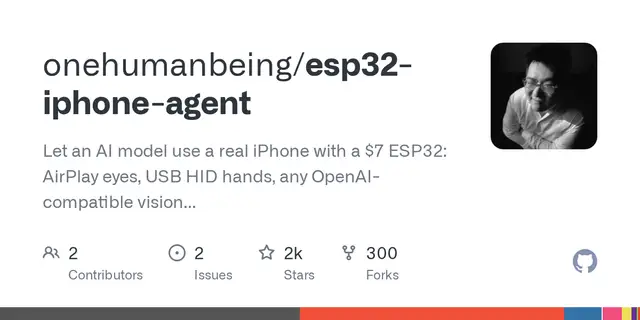
ESP32 iPhone Agent
An ESP32-S3 board lets an AI model use a real iPhone: no computer at run time, no jailbreak.
- Seeed XIAO ESP32S3 (plain, 8MB PSRAM; any ESP32-S3 with native USB + PSRAM)
- iPhone on iOS 18+ with cellular data
- Lightning to USB Camera Adapter (Lightning iPhones only)
- +2 more
Intermediate4.8K
OpenGlass
Turn any glasses into hackable smart glasses with off-the-shelf components.
- Seeed Studio XIAO ESP32 S3 Sense
- battery
- printed mount
Beginner · Our suggestion4.2K
Tsixom Watch Buddy
A standalone AI watch on a Waveshare AMOLED ESP32.
- Waveshare ESP32-S3 2.06in touch AMOLED
Intermediate64
Sources
- github.com/BasedHardware/omi/blob/f72a20197332050f77466b8759b9289430daec19/README.md?plain=1#L7
- github.com/BasedHardware/omi/blob/f72a20197332050f77466b8759b9289430daec19/README.md?plain=1#L177
- github.com/BasedHardware/omi/blob/f72a20197332050f77466b8759b9289430daec19/README.md?plain=1#L132-L136
- github.com/BasedHardware/omi/blob/f72a20197332050f77466b8759b9289430daec19/README.md?plain=1#L160-L165
- github.com/BasedHardware/omi/blob/f72a20197332050f77466b8759b9289430daec19/README.md?plain=1#L153-L156
- github.com/BasedHardware/omi/blob/f72a20197332050f77466b8759b9289430daec19/docs/doc/assembly/Buying_Guide.mdx?plain=1#L28-L30
- github.com/BasedHardware/omi/blob/f72a20197332050f77466b8759b9289430daec19/docs/doc/assembly/Buying_Guide.mdx?plain=1#L45-L47
- github.com/BasedHardware/omi/blob/f72a20197332050f77466b8759b9289430daec19/docs/doc/assembly/Buying_Guide.mdx?plain=1#L55-L57
- github.com/BasedHardware/omi/blob/f72a20197332050f77466b8759b9289430daec19/docs/doc/assembly/Buying_Guide.mdx?plain=1#L71-L73
- github.com/BasedHardware/omi/blob/f72a20197332050f77466b8759b9289430daec19/docs/doc/assembly/Buying_Guide.mdx?plain=1#L81-L87
- github.com/BasedHardware/omi/blob/f72a20197332050f77466b8759b9289430daec19/README.md?plain=1#L30
- github.com/BasedHardware/omi/blob/f72a20197332050f77466b8759b9289430daec19/README.md?plain=1#L108-L135
- github.com/BasedHardware/omi/blob/f72a20197332050f77466b8759b9289430daec19/README.md?plain=1#L133
- github.com/BasedHardware/omi/blob/f72a20197332050f77466b8759b9289430daec19/README.md?plain=1#L132
- github.com/BasedHardware/omi/blob/f72a20197332050f77466b8759b9289430daec19/README.md?plain=1#L116-L134
- github.com/BasedHardware/omi/blob/f72a20197332050f77466b8759b9289430daec19/README.md?plain=1#L24-L76
- github.com/BasedHardware/omi/blob/f72a20197332050f77466b8759b9289430daec19/README.md?plain=1#L28
- github.com/BasedHardware/omi/blob/f72a20197332050f77466b8759b9289430daec19/README.md?plain=1#L119-L125