Pi Pin
Open-source AI wearable based on the Raspberry Pi, in the spirit of commercial AI pins.
- Hardware:
- Raspberry Pi, mic, speaker, battery
- Difficulty:
- Intermediate
- Creator:
- liltom-eth
An open AI pin built on a Raspberry Pi.
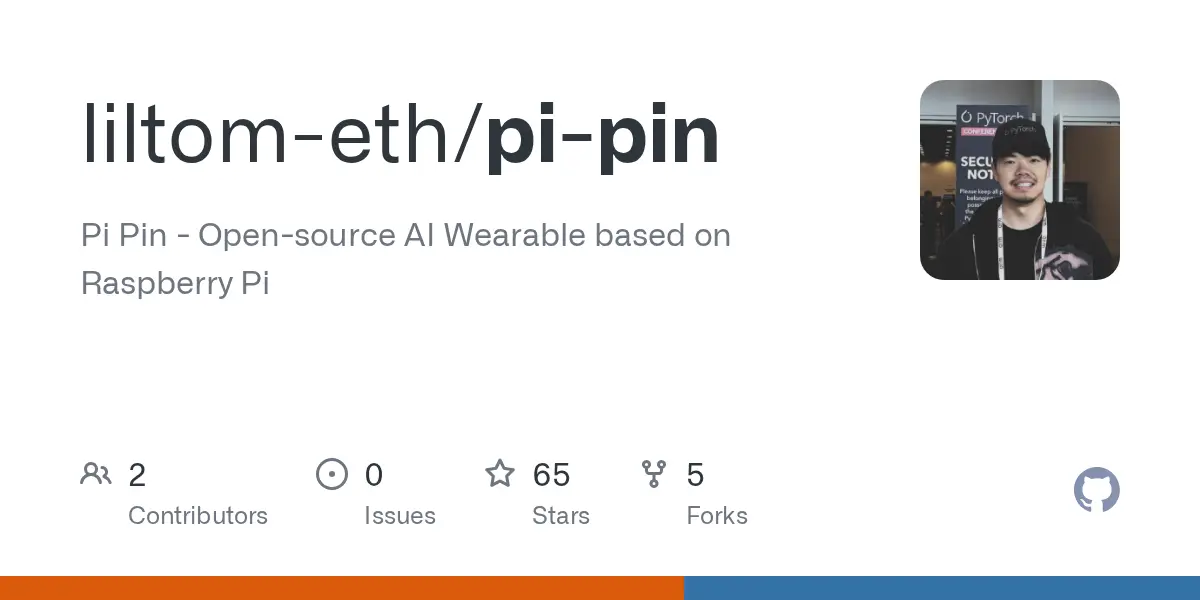
By liltom-eth
What it does
Open-source AI wearable based on the Raspberry Pi, in the spirit of commercial AI pins.
What you need
- Difficulty
- Intermediate
- License
- No license stated
Parts
- Raspberry Pi Zero 2 W (65mm × 30mm) [not stated]
- DWEII Type-C USB 5V 2A Boost Converter Step-Up Power Module Lithium Battery Charging Protection Board [not stated]
- 3.7V 600mAh 702030 Lithium Polymer (20mm x 30mm x 7mm) [not stated]
- SS12F15 Panel Slide Switch [not stated]
- Adafruit I2S MEMS Microphone Breakout - SPH0645LM4H (16.7mm x 12.7mm x 1.8mm) [not stated]
- M1x7mm screws [not stated]
- AI model or service
- cloud AI
Prices, notes and sources: Parts and requirements
Parts and requirements
| Part | Spec / notes | Needed | Price |
|---|---|---|---|
| Raspberry Pi Zero 2 W | 65mm × 30mm | Not stated | |
| DWEII Type-C USB 5V 2A Boost Converter Step-Up Power Module Lithium Battery Charging Protection Board | Not stated | ||
| 3.7V 600mAh 702030 Lithium Polymer | 20mm x 30mm x 7mm | Not stated | |
| SS12F15 Panel Slide Switch | Not stated | ||
| Adafruit I2S MEMS Microphone Breakout - SPH0645LM4H | 16.7mm x 12.7mm x 1.8mm | Not stated | |
| M1x7mm screws | Not stated |
Steps
- Difficulty
- Intermediate
- Connect the 3.7V 600mAh 702030 Lithium Polymer battery + to the power module 3.7V + and battery - to power module 3.7V -.
- Connect the SS12F15 Panel Slide Switch right pin to Pi 5V (pin 2), the middle pin to Power Module 5V +, and Power Module 5V - to Pi GND (pin 6).
- Connect the SPH0645LM4H mic: GND to Pi GND (pin 6), 3V to Pi 3.3V (pin 1), BCLK to PCM 18 (pin 12), LRCL to PCM 19 (pin 35), DOUT to PCM 20 (pin 38).
- Install Raspbian or Raspbian Lite on the SD card, then sudo apt-get -y update and sudo apt-get -y upgrade.
- Add capture volume control in ~/.asoundrc: set pcm.dmic_hw to card sndrpii2scard, channels 2, format S32_LE, and pcm.dmic_sv to softvol control "Boost Capture Volume".
Full instructions: View original
How it works
Raspberry Pi wearable with cloud AI.
Like this build? Get the weekly builds
Every Thursday: the 5 best gadget hacks you can copy. Free.
Built something? Submit a build
Hardware
- Raspberry Pi
- mic
- speaker
- battery
This page is a short summary written by HardwareLab. Build steps, code and photos belong to the creator; follow “View original” for the full project.
Featured? Add this badge
Built this? Paste the badge into your README. It links back to this page.

Markdown
[](https://hardwarelab.dev/projects/pi-pin/?utm_source=badge&utm_medium=referral&utm_campaign=launch_2w)HTML
<a href="https://hardwarelab.dev/projects/pi-pin/?utm_source=badge&utm_medium=referral&utm_campaign=launch_2w"><img src="https://hardwarelab.dev/badge.svg" alt="Featured on HardwareLab" width="188" height="20"></a>Related builds
All 6 in WearablesBring-your-own-key smart speaker
A Pi smart speaker where nothing leaves your network unless you say so.
- Raspberry Pi
- mic
- speaker
BeginnerPrivate offline Pi voice assistant
Whisper + a small LLM + Piper, all on a Pi.
- Raspberry Pi
- mic
- speaker
Beginner
DinoDesk AI
A LEGO desk robot that chats with local Gemma 4.
- Raspberry Pi
- LEGO body
- Pirate Audio LCD/speaker
- +2 more
Intermediate13


Sources
- github.com/liltom-eth/pi-pin/blob/b5c0087e414e3bd728f5154c4a032453b4df32c8/README.md#L53-L54
- github.com/liltom-eth/pi-pin/blob/b5c0087e414e3bd728f5154c4a032453b4df32c8/README.md#L55-L58
- github.com/liltom-eth/pi-pin/blob/b5c0087e414e3bd728f5154c4a032453b4df32c8/README.md#L59-L62
- github.com/liltom-eth/pi-pin/blob/b5c0087e414e3bd728f5154c4a032453b4df32c8/README.md#L63-L66
- github.com/liltom-eth/pi-pin/blob/b5c0087e414e3bd728f5154c4a032453b4df32c8/README.md#L67-L70
- github.com/liltom-eth/pi-pin/blob/b5c0087e414e3bd728f5154c4a032453b4df32c8/README.md#L50-L52
- github.com/liltom-eth/pi-pin/blob/b5c0087e414e3bd728f5154c4a032453b4df32c8/README.md