Kindle AI Usage Display
The creator: @kuberwastakenOriginal post
An old Kindle shows your AI usage.
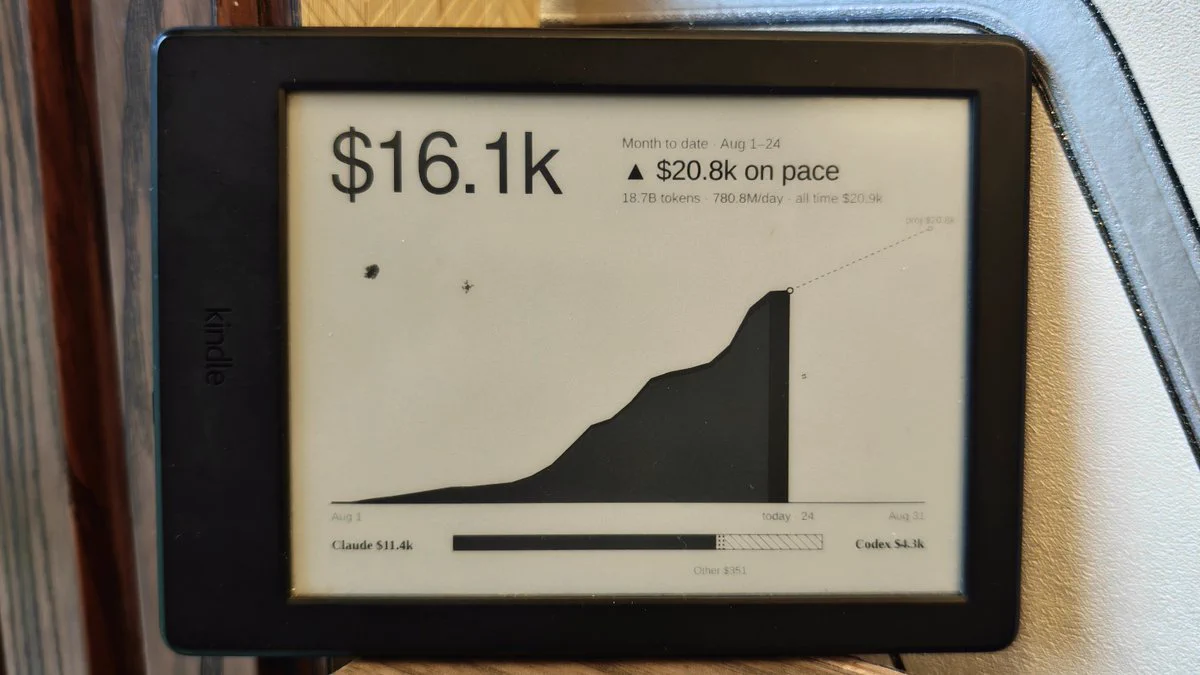
By Kuber (@kuberwastaken)
- Posted
- GitHub stars
- 14 (GitHub)
- Likes on X
- 68 (X post)
What you need
- Difficulty
- Intermediate · Our suggestion
- License
- No license stated
Parts
- Jailbroken Kindle (the original build is a KT3; check your model with the KindleModding wizard), Computer running the Node.js server, awake at refresh times
- AI model or service
- Agent skill for Codex or another compatible coding agent: checks jailbreak compatibility and installs the system, Usage collectors for Codex, Claude Code, OpenCode and Gemini CLI; importers for Cursor, Claude API and GitHub Copilot
Overview
Kuber (@kuberwastaken) jailbroke a 10-year-old Kindle with Codex and turned its lock screen into an AI usage dashboard. A Node server aggregates daily usage across computers and providers (Codex, Claude Code, OpenCode, Gemini CLI, Cursor, GitHub Copilot and more), and the Kindle wakes on fixed RTC slots to fetch a fresh month-to-date image. It reports API-equivalent list price, not what a subscription costs. The repo has no license file.
How it works
Collectors on each computer send only daily totals (date, agent, token total and USD estimate) to a Node.js 20+ server, which renders an 800×600 monochrome dashboard: one large total, a projected month-end pace, a cumulative chart and a split by source. The jailbroken Kindle sets an RTC wake alarm, joins Wi-Fi only to refresh, draws the image with FBInk and suspends again; the e-ink screen keeps the last frame without display power, and a failed fetch leaves the last good frame up. The included schedule templates use fixed six-hour windows. A bundled agent skill checks your Kindle model against the live KindleModding wizard before any jailbreak.
Hardware
- Jailbroken Kindle (the original build is a KT3; check your model with the KindleModding wizard)
- Computer running the Node.js server, awake at refresh times
Like this build? Get the weekly builds
Every Thursday: the 5 best gadget hacks you can copy. Free.
Built something? Submit a build
Credits and links
- Kuber (@kuberwastaken): Creator
- WquGuru (@wquguru): Featured it in a roundup of OpenAI's hardware gallery
- License: No license stated
This page is a short summary written by HardwareLab. Build steps, code and photos belong to the creator; follow “View original” for the full project.
Featured? Add this badge
Built this? Paste the badge into your README. It links back to this page.

Markdown
[](https://hardwarelab.dev/projects/kindle-ai-usage/?utm_source=badge&utm_medium=referral&utm_campaign=launch_2w)HTML
<a href="https://hardwarelab.dev/projects/kindle-ai-usage/?utm_source=badge&utm_medium=referral&utm_campaign=launch_2w"><img src="https://hardwarelab.dev/badge.svg" alt="Featured on HardwareLab" width="188" height="20"></a>Related builds
All 21 in Agent Desk Gadgets
Pixel Agents ESP32
Your Claude Code and Codex agents as pixel-art office workers.
- ESP32 display board
Beginner7
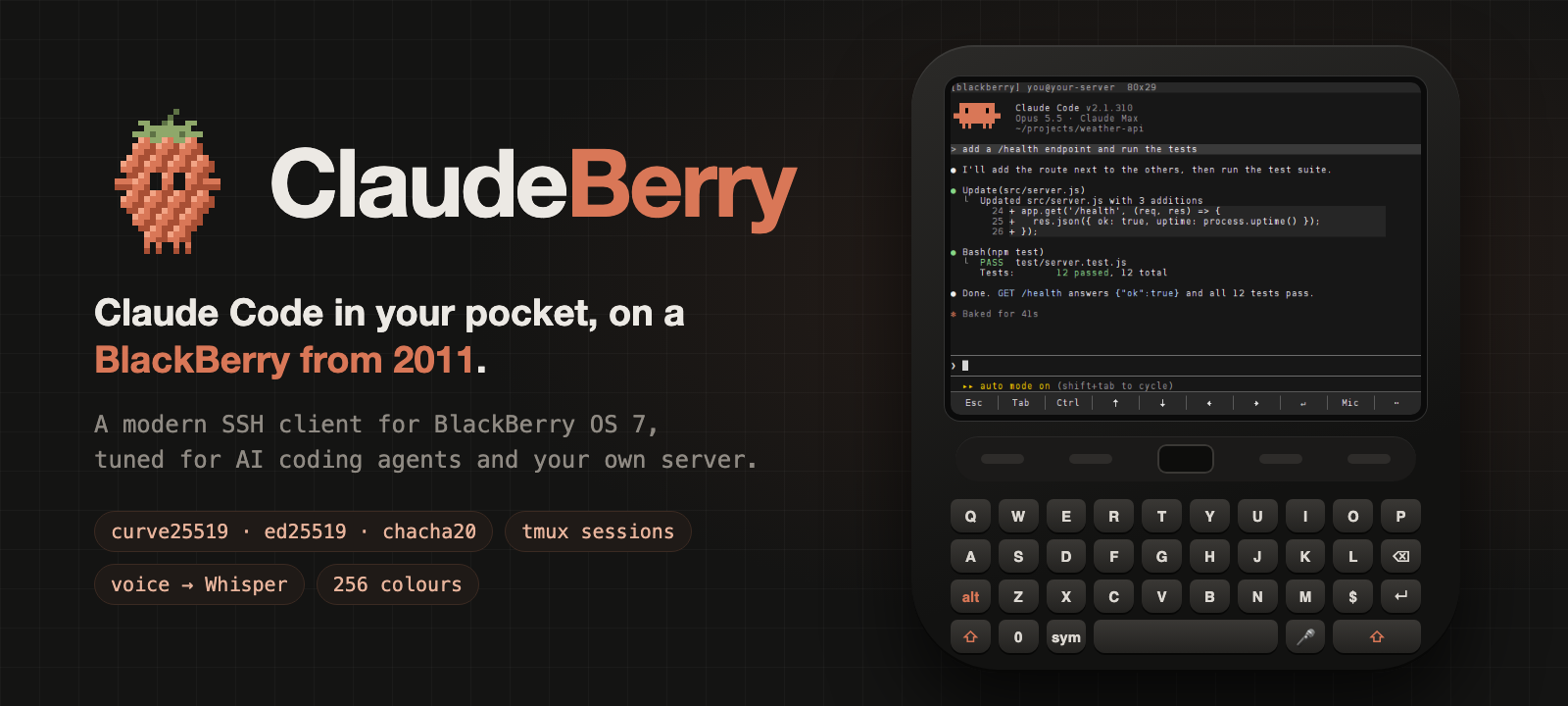
ClaudeBerry
A BlackBerry Bold becomes a pocket Claude Code terminal with SSH, tmux and voice prompts.
- BlackBerry Bold 9900 or another BlackBerry OS 7 phone
- Linux server, home server or Raspberry Pi
Intermediate · Our suggestion45
Dot Gadget
A desk gadget your ChatGPT dot can set to ALERT.
- LilyGo T-Display S3
- USB-C data cable
Intermediate · Our suggestion
iCTRL
An open-source XCUITest service that lets Codex, Claude Code and other agents operate an iPhone or iPad wirelessly.
- iPhone or iPad running iOS 16+
- A signing route and mounted Developer Disk Image
- Same-network computer or an on-device agent
Intermediate593
