iCTRL
The creator: @OpenMinisOriginal post
An open-source XCUITest service that lets Codex, Claude Code and other agents operate an iPhone or iPad wirelessly.
By @OpenMinis
- Posted
- GitHub stars
- 593 (GitHub)
What you need
- Difficulty
- Intermediate
- License
- Apache-2.0 (source)
Parts
- iPhone or iPad running iOS 16+, A signing route and mounted Developer Disk Image, Same-network computer or an on-device agent
- AI model or service
- Codex, Claude Code, OpenClaw, Hermes or Minis, JSON-RPC 2.0 API, XCUITest and Vision OCR
Overview
iCTRL is an open-source iOS and iPadOS automation service by @OpenMinis. It turns a device into an endpoint that Codex, Claude Code and other HTTP-capable agents can discover and drive through an encrypted JSON-RPC 2.0 API.
How it works
A long-running runner built on XCUITest serves a manual, method schema and JSON-RPC 2.0 API over HTTP. After the user approves X25519 pairing on the device, an agent can tap, swipe, type, read the UI tree, use on-device OCR, take screenshots, launch apps and open URLs; LAN access is off by default.
Why it's interesting
iCTRL makes an iPhone or iPad discoverable to an AI agent through a control service running on the device. The creator's README describes a long-running XCUITest runner with a JSON-RPC 2.0 API over HTTP, rather than an integration tied to one agent. An agent reads the operating manual and method schema from the device, then requests pairing; the device user must approve that request before encrypted calls can operate the phone. Available actions include tapping, swiping, typing, reading the UI tree, taking screenshots, launching apps and opening URLs, with Vision OCR for text outside the accessibility tree. Remote access is off by default, so an agent on another computer needs LAN access enabled and the same Wi-Fi network. Setup also requires signing the runner and mounting the Developer Disk Image. The optional companion app helps manage those surrounding tasks; the runner itself must remain running for automation to work. The creator documents how to pair securely: verify the key fingerprint on the device before approving the agent.
Hardware
- iPhone or iPad running iOS 16+
- A signing route and mounted Developer Disk Image
- Same-network computer or an on-device agent
Into phone agents? Get the Thursday email
Every Thursday: the 5 best gadget hacks you can copy. Free.
Built something? Submit a build
Credits and links
- @OpenMinis: the creator
- License: Apache-2.0 (source)
This page is a short summary written by HardwareLab. Build steps, code and photos belong to the creator; follow “View original” for the full project.
Featured? Add this badge
Built this? Paste the badge into your README. It links back to this page.

Markdown
[](https://hardwarelab.dev/projects/ictrl/?utm_source=badge&utm_medium=referral&utm_campaign=launch_2w)HTML
<a href="https://hardwarelab.dev/projects/ictrl/?utm_source=badge&utm_medium=referral&utm_campaign=launch_2w"><img src="https://hardwarelab.dev/badge.svg" alt="Featured on HardwareLab" width="188" height="20"></a>Related builds
All 21 in Agent Desk Gadgets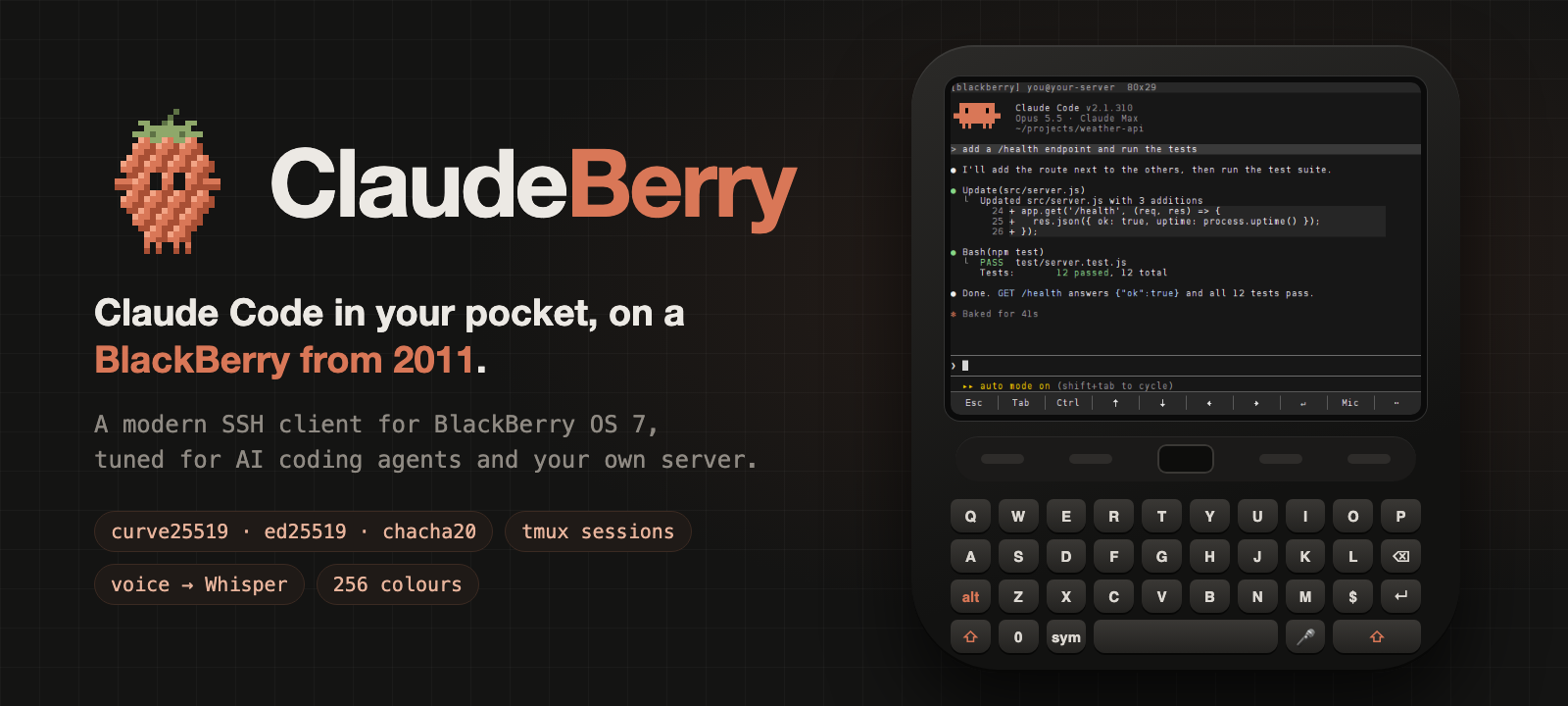
ClaudeBerry
A BlackBerry Bold becomes a pocket Claude Code terminal with SSH, tmux and voice prompts.
- BlackBerry Bold 9900 or another BlackBerry OS 7 phone
- Linux server, home server or Raspberry Pi
Intermediate · Our suggestion45
Mika
An open-source Android agent that operates apps and the web on a hidden background screen, with no root required.
- Android 12+ phone for app control (Android 14+ recommended)
- Android 11+ phone for chat, web and files
Beginner7.9K
AI Fuel Gauge for Claude and Codex
A Waveshare ESP32 screen beside the keyboard that shows how much Claude and Codex allowance is left, so checking limits is just a glance.
- Waveshare ESP32 long-format display (exact model not named by the builder)
- Mac running a small usage service
Intermediate
Dot Gadget
A desk gadget your ChatGPT dot can set to ALERT.
- LilyGo T-Display S3
- USB-C data cable
Intermediate · Our suggestion
ESP32 Agent Companion
An animated desk character that shows what your AI agent is doing.
- Waveshare ESP32-S3-Touch-AMOLED-1.75
Beginner72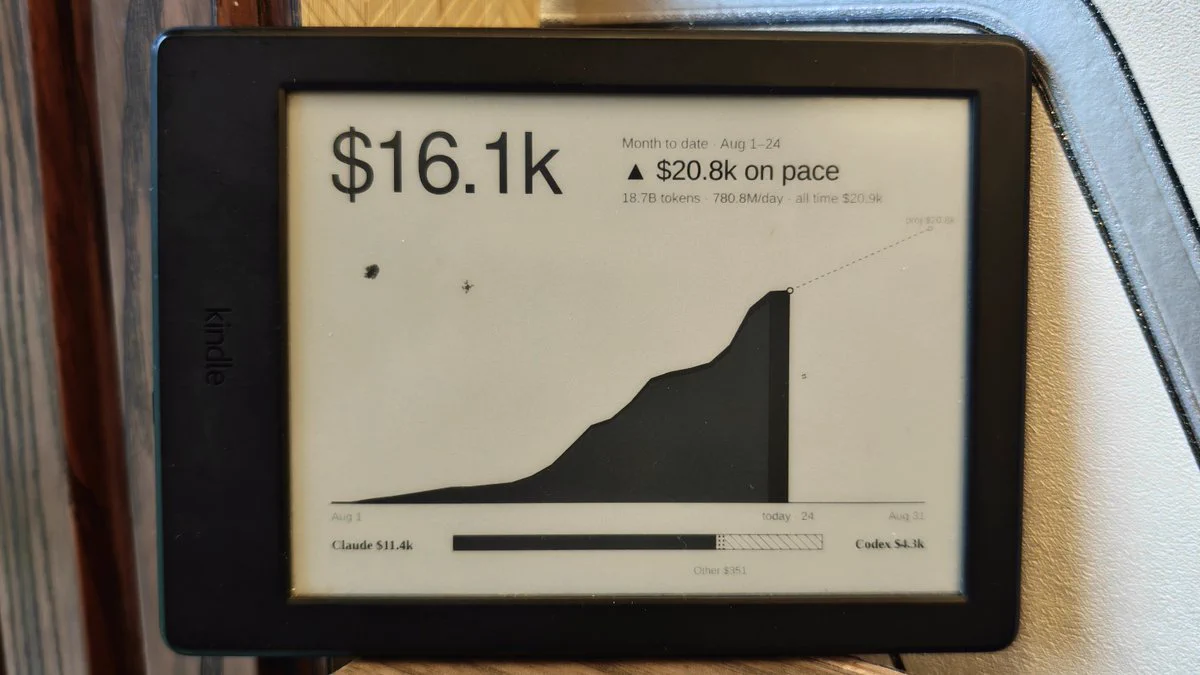
Kindle AI Usage Display
An old Kindle shows your AI usage.
- Jailbroken Kindle (the original build is a KT3; check your model with the KindleModding wizard)
- Computer running the Node.js server, awake at refresh times
Intermediate · Our suggestion14