Dot Gadget
The creator: @deadbeef101010Original post
A desk gadget your ChatGPT dot can set to ALERT.
By Hitesh Patel (@deadbeef101010)
- Posted
- Likes on X
- 2 (X post)
What you need
- Difficulty
- Intermediate · Our suggestion
- License
- MIT (source)
Parts
- LilyGo T-Display S3, USB-C data cable
- AI model or service
- ChatGPT dots (tested on ChatGPT Pro), Custom MCP server relay on your own Cloudflare account
Overview
Hitesh Patel (@deadbeef101010) built a desk gadget for the creator's ChatGPT dot. The dot can set it to READY, BUSY or ALERT, so you can see when your agent is working or needs you. It runs CircuitPython on a LilyGo T-Display S3 and reaches ChatGPT through a relay on your own Cloudflare account, designed to fit the free plan. The MIT-licensed repo is labelled a preview: tested on ChatGPT Pro, with claiming and pairing tested on iPhone; running it on battery is untested.
How it works
You deploy the relay to Cloudflare with Wrangler (npm run setup), claim it with a passkey and save the recovery codes, then add the board from your relay in Chrome, Edge or Chromium on the computer it is plugged into. Pairing is a button press plus a QR scan approved on your phone. In the ChatGPT desktop app you add the relay as a custom MCP server with OAuth and approve the Dot Gadget it can control. Then say “Set my Dot Gadget to BUSY”, or add a standing instruction to set it to ALERT whenever it needs your attention.
Hardware
- LilyGo T-Display S3
- USB-C data cable
Like this build? Get the weekly builds
Every Thursday: the 5 best gadget hacks you can copy. Free.
Built something? Submit a build
Credits and links
- Hitesh Patel (@deadbeef101010): Creator
- WquGuru (@wquguru): Featured it in a roundup of OpenAI's hardware gallery
- License: MIT (source)
This page is a short summary written by HardwareLab. Build steps, code and photos belong to the creator; follow “View original” for the full project.
Featured? Add this badge
Built this? Paste the badge into your README. It links back to this page.

Markdown
[](https://hardwarelab.dev/projects/dot-gadget/?utm_source=badge&utm_medium=referral&utm_campaign=launch_2w)HTML
<a href="https://hardwarelab.dev/projects/dot-gadget/?utm_source=badge&utm_medium=referral&utm_campaign=launch_2w"><img src="https://hardwarelab.dev/badge.svg" alt="Featured on HardwareLab" width="188" height="20"></a>Related builds
All 21 in Agent Desk Gadgets
ChatG-PET Muse
ChatG-PET (ChatGPET) Muse is a physical home for the Codex Desktop pet on an ESP32-S3.
- RASPIAUDIO Muse Radio (ESP32-S3)
- 11W speaker
- 2 mics
Intermediate1
ParrotVoice
An ESP32 that lets your AI agent place and answer real phone calls.
- ESP32-WROOM-32 (Bluetooth HFP to phone)
- PC running Chrome Web Serial bridge
Intermediate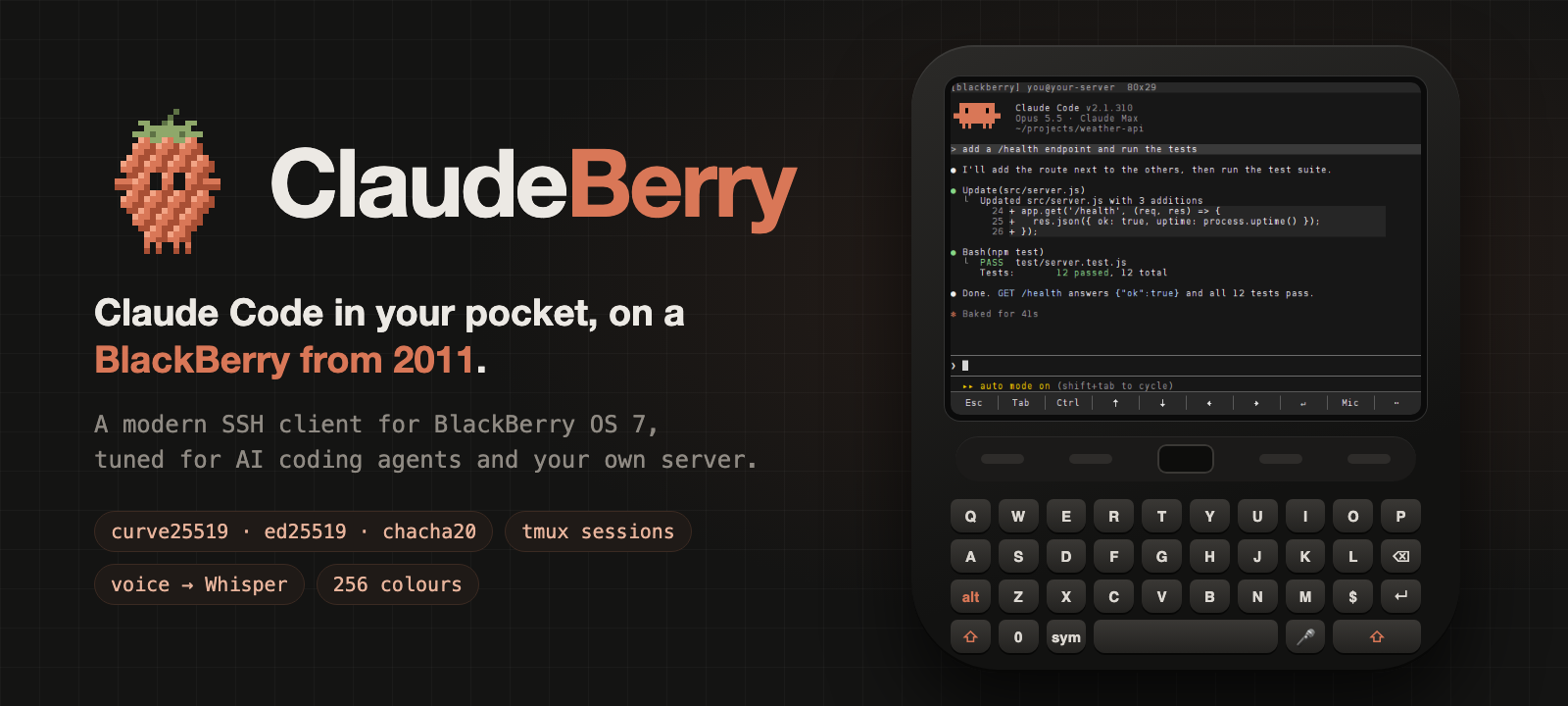
ClaudeBerry
A BlackBerry Bold becomes a pocket Claude Code terminal with SSH, tmux and voice prompts.
- BlackBerry Bold 9900 or another BlackBerry OS 7 phone
- Linux server, home server or Raspberry Pi
Intermediate · Our suggestion45AI Fuel Gauge for Claude and Codex
A Waveshare ESP32 screen beside the keyboard that shows how much Claude and Codex allowance is left, so checking limits is just a glance.
- Waveshare ESP32 long-format display (exact model not named by the builder)
- Mac running a small usage service
Intermediate
iCTRL
An open-source XCUITest service that lets Codex, Claude Code and other agents operate an iPhone or iPad wirelessly.
- iPhone or iPad running iOS 16+
- A signing route and mounted Developer Disk Image
- Same-network computer or an on-device agent
Intermediate593
ESP32 Agent Companion
An animated desk character that shows what your AI agent is doing.
- Waveshare ESP32-S3-Touch-AMOLED-1.75
Beginner72