OpenClawGotchi
An 'agentic life-form' on a Raspberry Pi with an e-ink face.
- Hardware:
- Raspberry Pi, e-ink display
- Difficulty:
- Intermediate
- Creator:
- turmyshevd
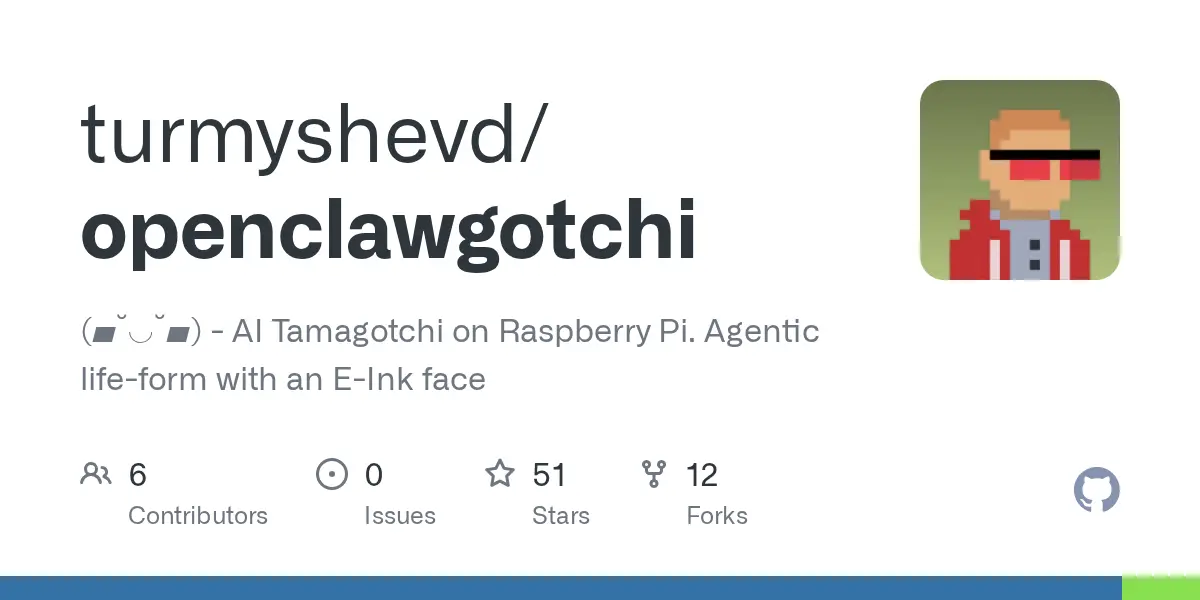
An AI Tamagotchi with an e-ink face on a Raspberry Pi.
By turmyshevd
- Posted
What it does
An 'agentic life-form' on a Raspberry Pi with an e-ink face. It inspired the shelldon rebuild.
What you need
- Difficulty
- Intermediate
- License
- No license stated
Parts
- Raspberry Pi Zero 2W [not stated]
- Waveshare 2.13" E-Ink V4 Display [not stated]
- AI model or service
- LLM agent
Prices, notes and sources: Parts and requirements
Parts and requirements
| Part | Spec / notes | Needed | Price |
|---|---|---|---|
| Raspberry Pi Zero 2W | Not stated | ||
| Waveshare 2.13" E-Ink V4 Display | Not stated |
Steps
- Difficulty
- Intermediate
- Get the Raspberry Pi Zero 2W with GPIO header pre-soldered, so you don’t have to solder — just plug in the Waveshare 2.13" E-Ink display.
- Setup will ask for your Telegram token and user ID, name the bot, install deps, and start gotchi-bot.service.
- Recommended minimum before first run: ALLOWED_USERS=your_telegram_id, ALLOW_ALL_USERS=0.
Full instructions: View original
How it works
Pi + e-ink display + LLM agent.
Limits and caveats
- The 512MB Raspberry Pi Zero 2W couldn't take the full OpenClaw architecture (Node.js, Docker, Vector DBs); it crashed.
- Telegram is required; the setup wizard assumes a Telegram bot token.
- Lite mode tool calls (e.g. execute_bash, write_file) are enabled by default; disable them by setting ENABLE_LITELLM_TOOLS=0.
Like this build? Get the weekly builds
Every Thursday: the 5 best gadget hacks you can copy. Free.
Built something? Submit a build
Hardware
- Raspberry Pi
- e-ink display
This page is a short summary written by HardwareLab. Build steps, code and photos belong to the creator; follow “View original” for the full project.
Featured? Add this badge
Built this? Paste the badge into your README. It links back to this page.

Markdown
[](https://hardwarelab.dev/projects/openclawgotchi/?utm_source=badge&utm_medium=referral&utm_campaign=launch_2w)HTML
<a href="https://hardwarelab.dev/projects/openclawgotchi/?utm_source=badge&utm_medium=referral&utm_campaign=launch_2w"><img src="https://hardwarelab.dev/badge.svg" alt="Featured on HardwareLab" width="188" height="20"></a>Related builds
All 23 in Local LLM Rigs & Edge Agents
ForestHub edge-agents
A 30 MB offline agent runtime with GPIO, UART and MQTT tools.
- Raspberry Pi
- Jetson
Advanced109
OpenClaw on Pi 5 + Hailo-10H
A 24/7 agent on the Raspberry Pi GenAI kit.
- Raspberry Pi 5 8GB
- Hailo-10H
Intermediate15
Muse Gadgets SDK
Meta’s open SDKs for connecting Muse to ESP32 and Raspberry Pi gadgets.
- ESP32 boards
- Raspberry Pi (3B+, 4, 5 or Zero 2 W) or another Linux computer with Bluetooth LE
Intermediate2.7KMAGI on a Raspberry Pi
Evangelion's MAGI: Claude, GPT and Gemini debate every answer.
- Raspberry Pi 5
Beginner
DaVinci The Artist
A talking AI artist that chats with you and shows its art on e-ink.
- Raspberry Pi
- e-ink display
- microphone
- +1 more
Intermediate8

Sources
- github.com/turmyshevd/openclawgotchi/blob/bab132093ce8d8ca08c186564402c8deaef79d82/README.md#L94-L94
- github.com/turmyshevd/openclawgotchi/blob/bab132093ce8d8ca08c186564402c8deaef79d82/README.md#L34-L34
- github.com/turmyshevd/openclawgotchi/blob/bab132093ce8d8ca08c186564402c8deaef79d82/README.md
- github.com/turmyshevd/openclawgotchi/blob/bab132093ce8d8ca08c186564402c8deaef79d82/README.md#L20-L21
- github.com/turmyshevd/openclawgotchi/blob/bab132093ce8d8ca08c186564402c8deaef79d82/README.md#L117-L117
- github.com/turmyshevd/openclawgotchi/blob/bab132093ce8d8ca08c186564402c8deaef79d82/README.md#L144-L145