VisionClaw
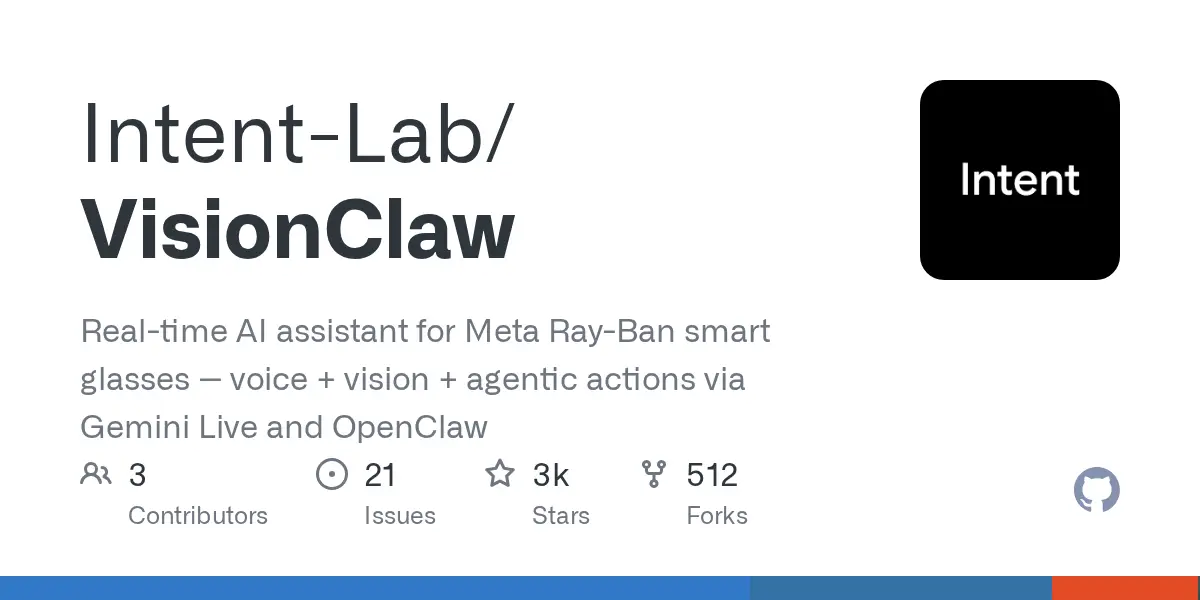
VisionClaw is a real-time AI assistant for Meta Ray-Ban smart glasses.
- Hardware:
- Meta Ray-Ban glasses, phone
- Difficulty:
- Intermediate · Our suggestion
- License:
- Meta Wearables Developer Terms
- Creator:
- Intent-Lab
Real-time AI assistant for Meta Ray-Ban smart glasses
By Intent-Lab
- Posted
What it does
VisionClaw is a real-time AI assistant for Meta Ray-Ban smart glasses. It sees what you see, hears what you say, and takes actions on your behalf, all through voice. It is built on the Meta Wearables DAT SDK, the Gemini Live API and OpenClaw, and runs on iOS (iPhone) and Android.
- Sees what you see, hears what you say, and takes actions on your behalf, all through voice.
- Ask “What am I looking at?” and Gemini describes the scene through the glasses camera.
- With OpenClaw it can add to a shopping list, send messages on WhatsApp, Telegram or iMessage, and search the web.
- The glasses camera streams at about 1 fps to Gemini for visual context while audio flows both ways in real time.
- Phone mode tests the full pipeline with your phone camera; WebRTC streaming shares your glasses view live to a browser.
What you need
- Difficulty
- Intermediate · Our suggestion
- License
- Meta Wearables Developer Terms (source)
Parts
- iPhone (iOS 17.0+) or Android phone (Android 14+)
- Meta Ray-Ban glasses [optional]
- Mac running OpenClaw [optional]
- AI model or service
- Gemini Live API, OpenClaw (optional) (source)
- Accounts needed
- Gemini API key
Prices, notes and sources: Parts and requirements
Parts and requirements
As an Amazon Associate HardwareLab earns from qualifying purchases.
| Part | Spec / notes | Needed | Price |
|---|---|---|---|
| iPhone (iOS 17.0+) or Android phone (Android 14+) | Required | ||
| Meta Ray-Ban glasses | Optional: use iPhone or Phone mode for testing | Optional | View on Amazon |
| Mac running OpenClaw | Optional, for agentic actions | Optional |
- Computer for setup: Xcode 15.0+ (iOS) or Android Studio Ladybug or newer (Android)
- Gemini API key: required
- A GitHub account with a read:packages token (Android, for the DAT SDK)
Steps
- Difficulty
- Intermediate · Our suggestion
- Clone the repo and open the sample app (Xcode or Android Studio)
- Add your Gemini API key (and optional OpenClaw/WebRTC config) to Secrets
- Build and run on your phone
- Try phone mode, or enable Developer Mode in the Meta AI app and tap Start Streaming
Full instructions: View original
How it works
It is built on Meta's Wearables DAT SDK. The glasses camera streams about one frame per second to Gemini Live while audio flows both ways in real time. The optional OpenClaw gateway gives Gemini 56+ tools, such as adding to a shopping list or sending a WhatsApp or iMessage. A phone mode lets you test without glasses, and WebRTC can share your view to a browser.
| Layer | Component | Runs on |
|---|---|---|
| App | VisionClaw app | iOS (iPhone) and Android (Pixel, Samsung, etc.) |
| AI | Gemini Live: real-time voice + vision | Gemini Live API (WebSocket) |
| Actions | OpenClaw gateway (optional) | Your Mac |
| Live view | WebRTC signaling server and browser viewer | Node.js + WebSocket (samples/CameraAccess/server/) |
Setup effort
Clone the repo, add your Gemini API key in Secrets, build and run on your phone, then enable Developer Mode in the Meta AI app to use the glasses.
Limits and caveats
- The default gateway is a small private pilot instance for a user study, so its access codes are not handed out; self-host the gateway for your own code.
- Ray-Ban Meta glasses need Developer Mode enabled in the Meta AI app on the phone.
- WebRTC streaming cannot run at the same time as Gemini Live (audio device conflict).
Like this build? Get the weekly builds
Every Thursday: the 5 best gadget hacks you can copy. Free.
Built something? Submit a build
Use-case ideas
- Add milk to your shopping list, or send a message saying you’ll be late, by voice.
Why it's interesting
VisionClaw is a real-time AI assistant for Meta Ray-Ban smart glasses: put on your glasses, tap the AI button and talk. The README’s examples include asking “What am I looking at?”, adding milk to a shopping list, sending a message to say you will be late and searching for coffee shops nearby. The glasses camera streams at about one frame per second to Gemini Live for visual context while audio flows both ways in real time, natively rather than speech-to-text first. Actions go through OpenClaw, an optional local gateway that gives Gemini 56+ tools and your connected apps; without it, Gemini is voice and vision only. A phone mode lets you test the whole pipeline with your phone camera, and WebRTC can share your glasses’ view live to a browser. The authors also published a research paper, “VisionClaw: Always-On AI Agents through Smart Glasses”.
Hardware
- Meta Ray-Ban glasses
- phone
Credits and links
- Intent-Lab: Creator
- License: Meta Wearables Developer Terms (source)
This page is a short summary written by HardwareLab. Build steps, code and photos belong to the creator; follow “View original” for the full project.
Featured? Add this badge
Built this? Paste the badge into your README. It links back to this page.

Markdown
[](https://hardwarelab.dev/projects/visionclaw/?utm_source=badge&utm_medium=referral&utm_campaign=launch_2w)HTML
<a href="https://hardwarelab.dev/projects/visionclaw/?utm_source=badge&utm_medium=referral&utm_campaign=launch_2w"><img src="https://hardwarelab.dev/badge.svg" alt="Featured on HardwareLab" width="188" height="20"></a>Related builds
All 31 in Smart Glasses
OpenGlasses
Make Meta Ray-Ban and Oakley glasses smarter with your own models.
- Meta/Oakley glasses
- iPhone
Intermediate130
Frame Realtime Gemini Voicevision
Realtime voice and vision on Brilliant Labs Frame.
- Brilliant Labs Frame
- phone
Intermediate82
Hermes Glasses
Voice + vision assistant for Ray-Bans and Realtek-based glasses.
- Meta Ray-Ban
- AiSee/Realtek glasses
Advanced28
Meta Glasses but better
DIY ESP32 glasses that answer what you see and say.
- ESP32
- camera
- microphone
Intermediate1
xg.glass SDK
One API for camera, mic and display across many glasses.
- Rokid, Meta Ray-Ban, Brilliant Frame, RayNeo
Advanced53
Sources
- github.com/Intent-Lab/VisionClaw/blob/82699eca917c0062516c14b99affa34ea230ecd7/README.md?plain=1#L5
- github.com/Intent-Lab/VisionClaw/blob/82699eca917c0062516c14b99affa34ea230ecd7/README.md?plain=1#L17
- github.com/Intent-Lab/VisionClaw/blob/82699eca917c0062516c14b99affa34ea230ecd7/README.md?plain=1#L18-L20
- github.com/Intent-Lab/VisionClaw/blob/82699eca917c0062516c14b99affa34ea230ecd7/README.md?plain=1#L22
- github.com/Intent-Lab/VisionClaw/blob/82699eca917c0062516c14b99affa34ea230ecd7/README.md?plain=1#L56-L57
- github.com/Intent-Lab/VisionClaw/blob/82699eca917c0062516c14b99affa34ea230ecd7/README.md?plain=1#L18-L19
- github.com/Intent-Lab/VisionClaw/blob/82699eca917c0062516c14b99affa34ea230ecd7/README.md?plain=1#L330-L345
- github.com/Intent-Lab/VisionClaw/blob/82699eca917c0062516c14b99affa34ea230ecd7/README.md?plain=1#L11
- github.com/Intent-Lab/VisionClaw/blob/82699eca917c0062516c14b99affa34ea230ecd7/README.md?plain=1#L53-L55
- github.com/Intent-Lab/VisionClaw/blob/82699eca917c0062516c14b99affa34ea230ecd7/README.md?plain=1#L320
- github.com/Intent-Lab/VisionClaw/blob/82699eca917c0062516c14b99affa34ea230ecd7/README.md?plain=1#L72-L117
- github.com/Intent-Lab/VisionClaw/blob/82699eca917c0062516c14b99affa34ea230ecd7/README.md?plain=1#L63-L66
- github.com/Intent-Lab/VisionClaw/blob/82699eca917c0062516c14b99affa34ea230ecd7/README.md?plain=1#L68
- github.com/Intent-Lab/VisionClaw/blob/82699eca917c0062516c14b99affa34ea230ecd7/README.md?plain=1#L324