Claude Code Stick
Hardware companion on the M5Stack StickS3 for physical button approval and voice input to Claude Code.
- Hardware:
- M5Stack StickS3
- Difficulty:
- Beginner
- Creator:
- mantisblades
Physical approve buttons and voice input for Claude Code.
By mantisblades
What it does
Hardware companion on the M5Stack StickS3 for physical button approval and voice input to Claude Code.
What you need
- Difficulty
- Beginner
- License
- No license stated
Parts
- M5Stack StickS3 (ESP32-S3-PICO, ES8311 mic, 135×240 ST7789P3)
- AI model or service
- Claude Code
Prices, notes and sources: Parts and requirements
Parts and requirements
| Part | Spec / notes | Needed | Price |
|---|---|---|---|
| M5Stack StickS3 | ESP32-S3-PICO, ES8311 mic, 135×240 ST7789P3 | Required |
Steps
- Difficulty
- Beginner
- Get a DashScope API key and save it with
mkdir -p ~/.config/claude-code-stick && echo 'sk-...' > ~/.config/claude-code-stick/dashscope_key. - Flash the firmware with
cd firmware && pio run --target upload. - Configure Wi-Fi via USB serial:
pio device monitor, thenwifi add YourSSID YourPassword. - Install bridge dependencies with
cd bridge && python3 -m venv venv && venv/bin/pip install bleak. - Configure Claude Code hooks: add the entries in
plugin/settings.example.jsonto your~/.claude/settings.json. - Start the bridge with
./start-bridge.sh. Press PWR on the StickS3 to power on and watch the boot panel; when it says READY, you're set.
Full instructions: View original
How it works
Bridge between Claude Code and the StickS3.
Limits and caveats
- No first-time Wi-Fi captive portal; the first network has to be entered via USB serial.
- macOS only for the bridge; Linux / Windows would need a substitute for `osascript` paste injection.
- `bridge.py:8765/audio` is an unauthenticated LAN endpoint.
Like this build? Get the weekly builds
Every Thursday: the 5 best gadget hacks you can copy. Free.
Built something? Submit a build
Hardware
- M5Stack StickS3
This page is a short summary written by HardwareLab. Build steps, code and photos belong to the creator; follow “View original” for the full project.
Featured? Add this badge
Built this? Paste the badge into your README. It links back to this page.

Markdown
[](https://hardwarelab.dev/projects/claude-code-stick/?utm_source=badge&utm_medium=referral&utm_campaign=launch_2w)HTML
<a href="https://hardwarelab.dev/projects/claude-code-stick/?utm_source=badge&utm_medium=referral&utm_campaign=launch_2w"><img src="https://hardwarelab.dev/badge.svg" alt="Featured on HardwareLab" width="188" height="20"></a>Related builds
All 21 in Agent Desk Gadgets
Vibe Watch
An M5Stack StopWatch as a wrist remote for AI coding agents.
- M5Stack StopWatch (ESP32-S3, round display)
Intermediate151
Paimon: Stack-chan with a Claude Code bridge
A Stack-chan desk robot that can reach into your Claude Code memory.
- M5Stack Stack-chan / CoreS3
- dual head servos
- 12-LED ring
- +1 more
Intermediate8
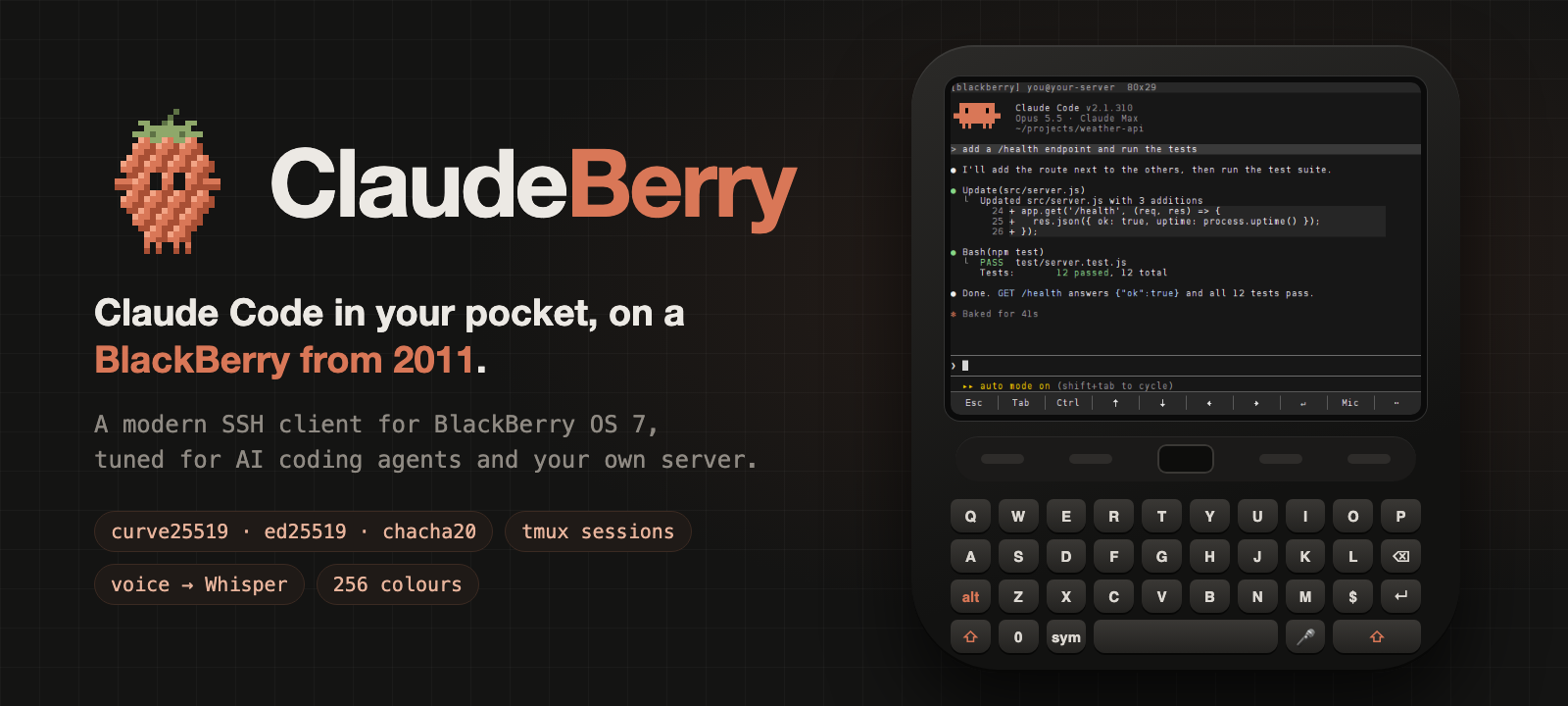
ClaudeBerry
A BlackBerry Bold becomes a pocket Claude Code terminal with SSH, tmux and voice prompts.
- BlackBerry Bold 9900 or another BlackBerry OS 7 phone
- Linux server, home server or Raspberry Pi
Intermediate · Our suggestion45Pi Zero AI usage desk gadget
Seven screens of AI quota on a 1.3in display.
- Raspberry Pi Zero 2 W
- 1.3in screen
- joystick
Beginner
Pixel Agents ESP32
Your Claude Code and Codex agents as pixel-art office workers.
- ESP32 display board
Beginner7

Sources
- github.com/mantisblades/claude-code-stick/blob/cc301821b990e3e1cc18c1958ba68f488fc9eb63/README.md#L40-L42
- github.com/mantisblades/claude-code-stick/blob/cc301821b990e3e1cc18c1958ba68f488fc9eb63/README.md
- github.com/mantisblades/claude-code-stick/blob/cc301821b990e3e1cc18c1958ba68f488fc9eb63/README.md#L100-L100
- github.com/mantisblades/claude-code-stick/blob/cc301821b990e3e1cc18c1958ba68f488fc9eb63/README.md#L104-L104
- github.com/mantisblades/claude-code-stick/blob/cc301821b990e3e1cc18c1958ba68f488fc9eb63/README.md#L108-L108